How to add a bot from Discord’s new App Directory
zero · · 3 min read
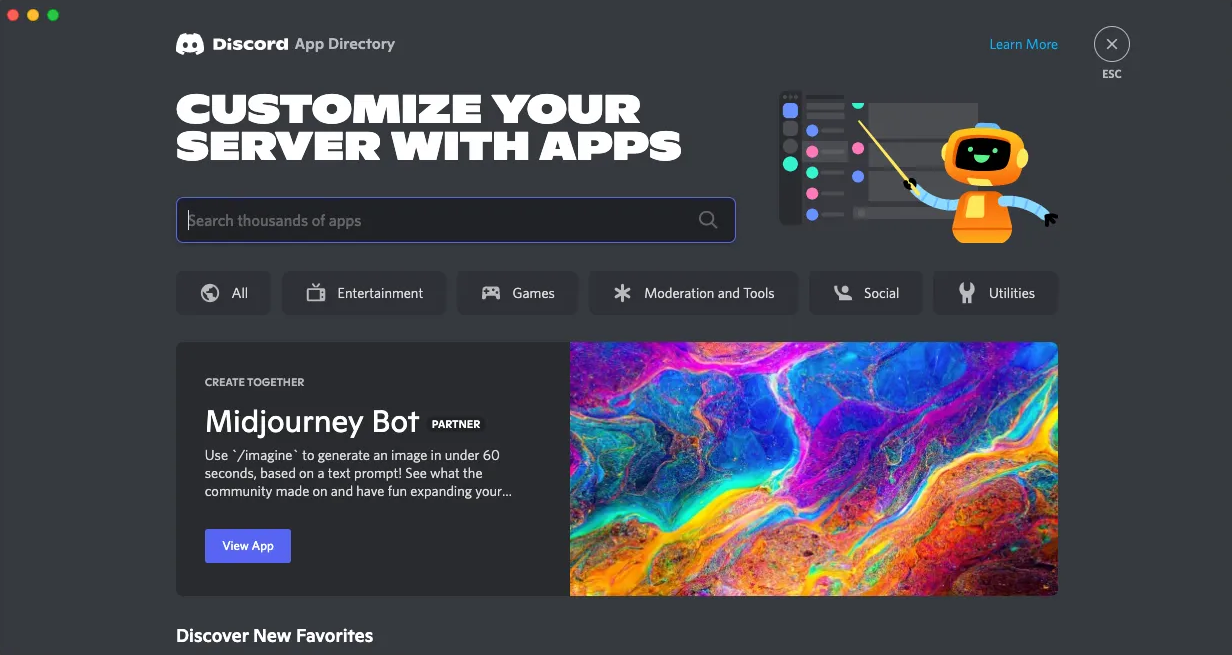
This week, Discord rolled out their new App Directory feature to most servers. This feature is a big step in Discord’s goal to enable users to customize their servers using the thousands of cool applications that developers have created. These applications include Discord bots, new slash-commands, and new user actions.
So how do we add one of these cool integrations? To get started, click on the dropdown by your server’s name.
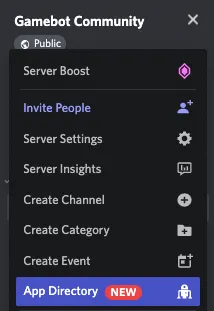
There, you should see the new App Directory.
Discord uses AI to determine which apps should appear on the front page and sorts each app into several categories. It’s not a perfect science, so some of the apps may have unexpected tags. That’s where the big search bar comes in. Try searching for a bot or category that interests you.
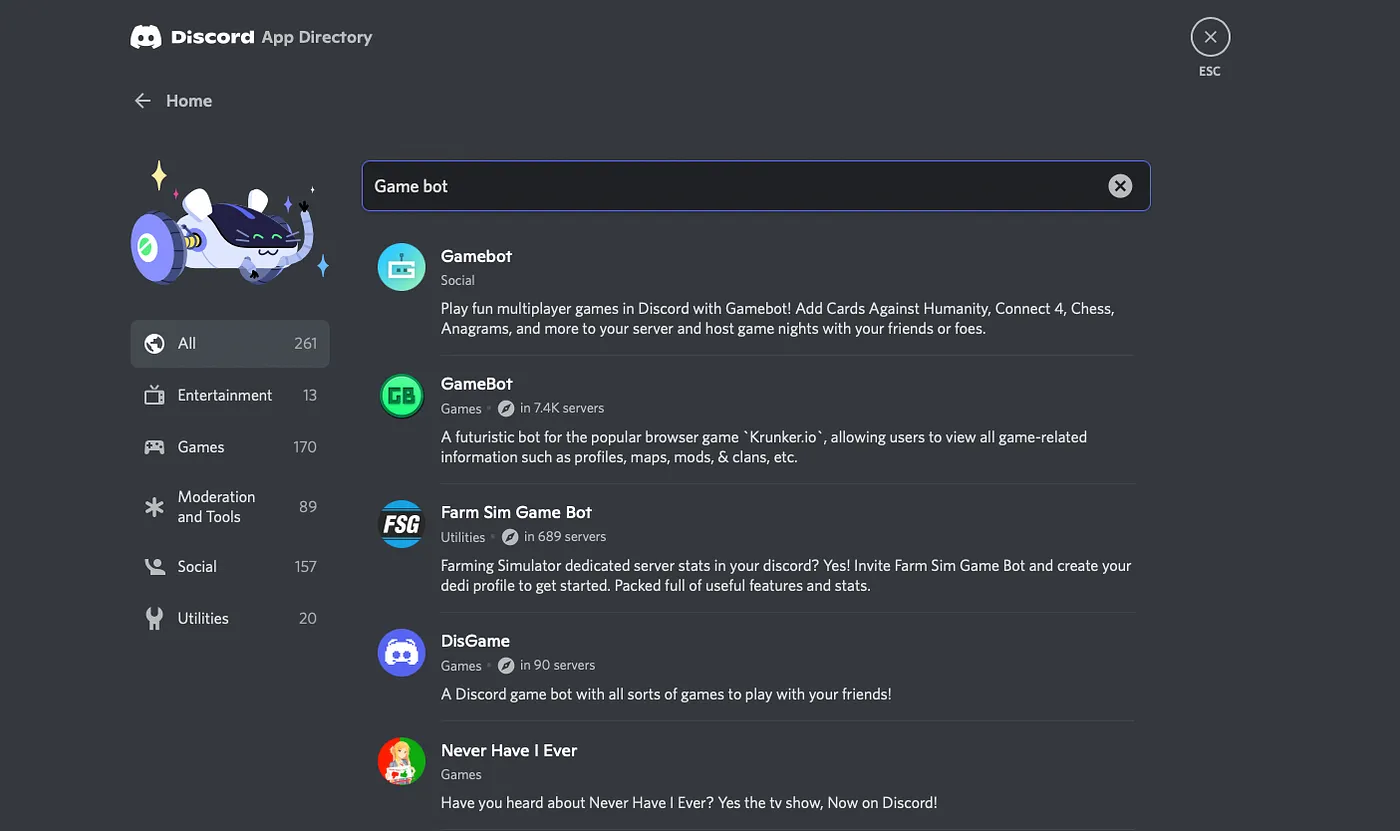
Once you find one you like, simply click on the result and press the “Add to Server” button!
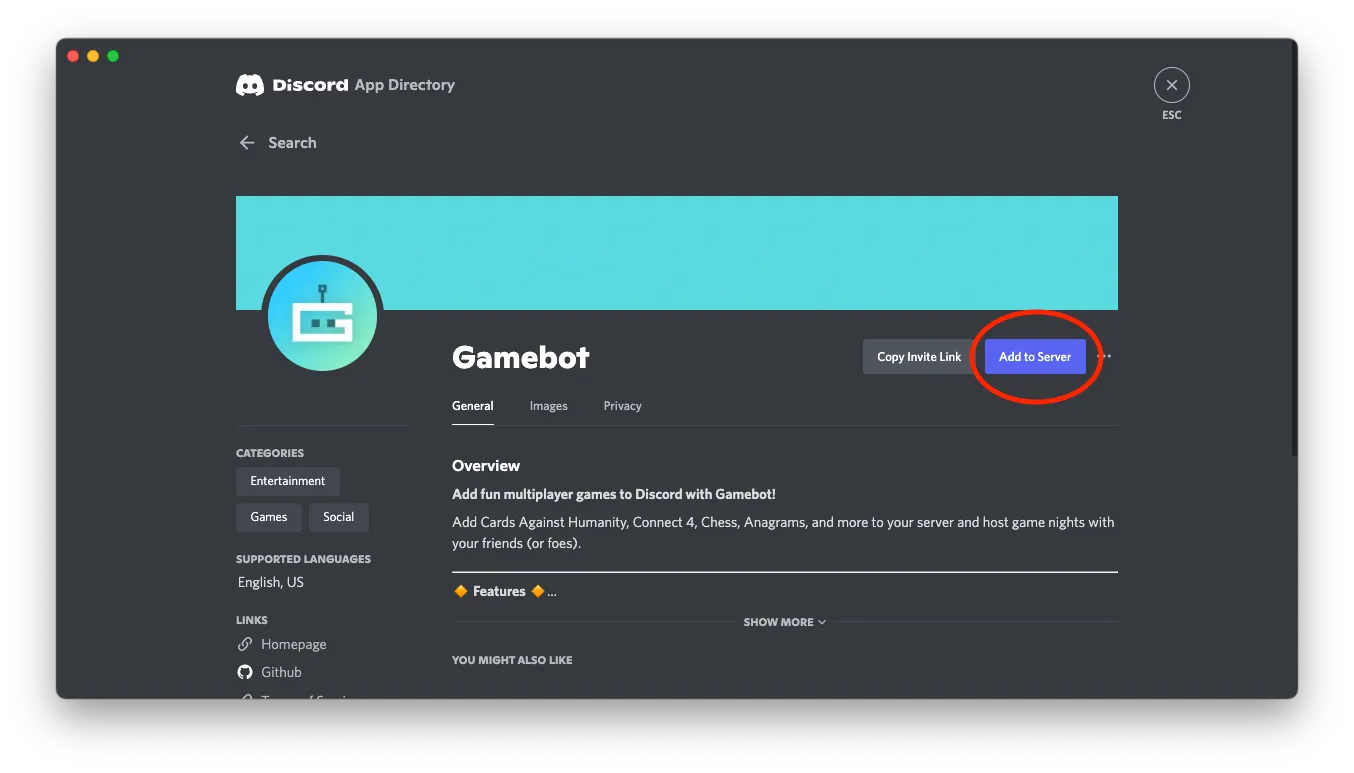
The App Directory is also a great place to find support for a bot that’s not behaving as expected. Many apps provide a support server on their application page, which you can join to get help with any issues.
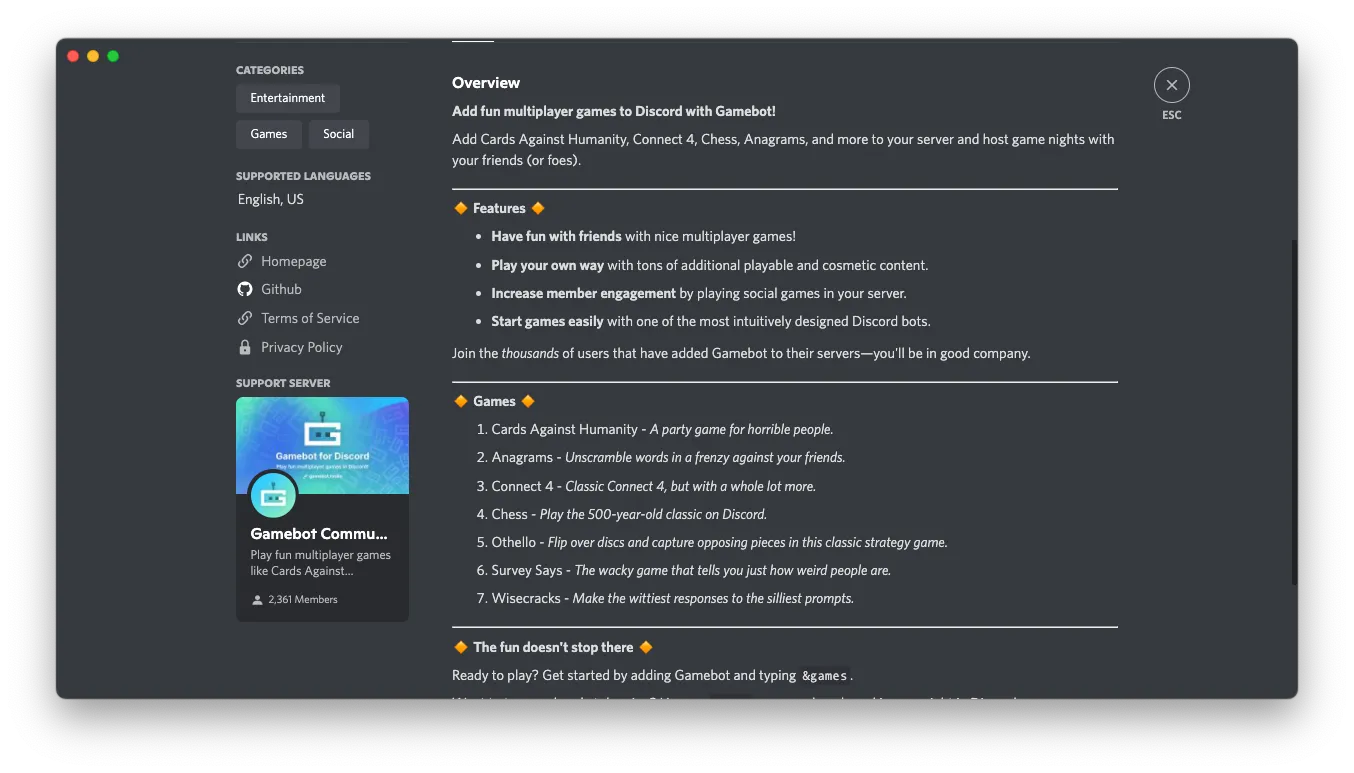
Looking to add a bot to play games with your community? Take a look at Gamebot for Discord!